
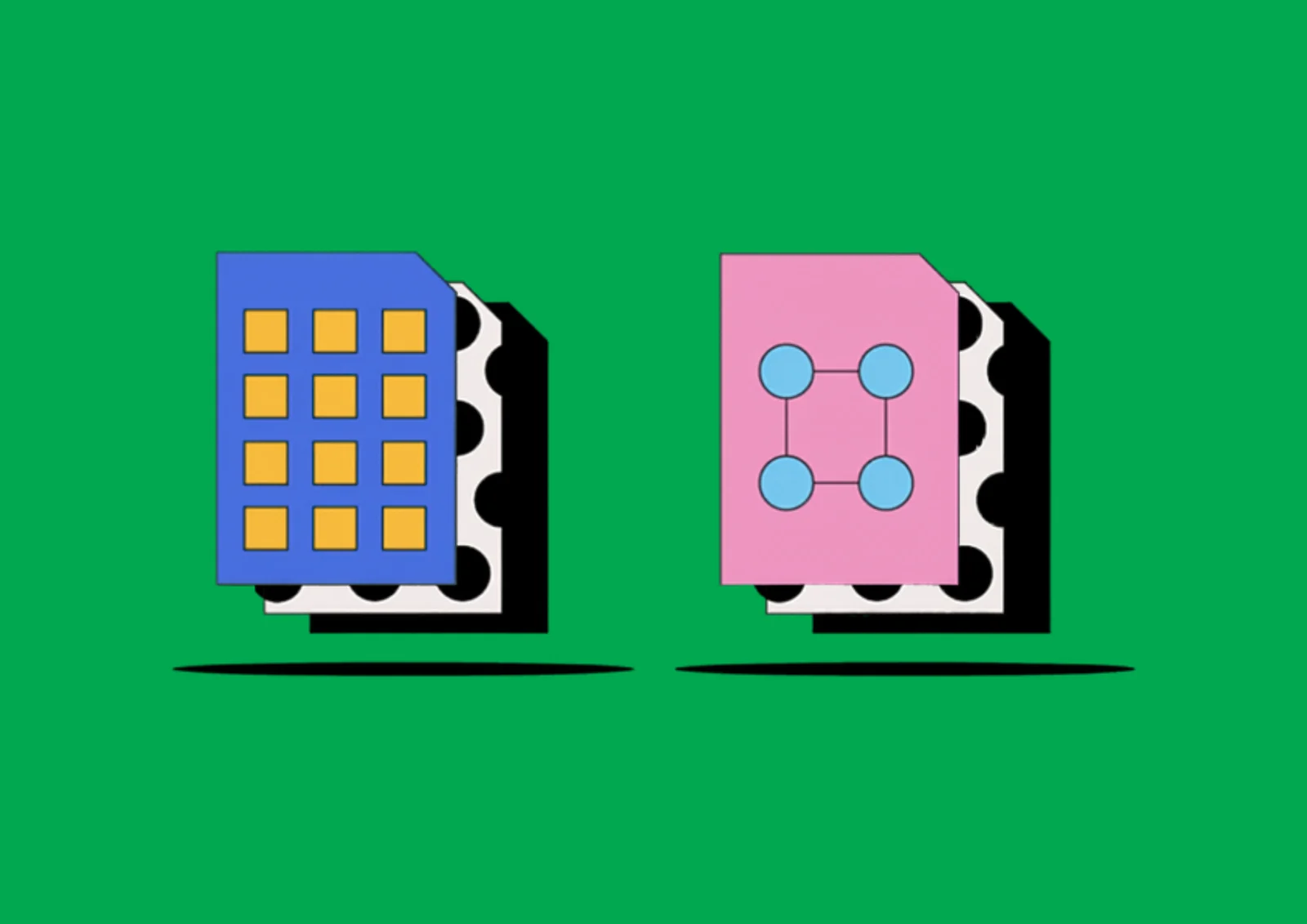
Raster vs Vector – A Complete Guide for High-Quality Printing
When working with photos, logos, graphic design, and print materials, you will encounter two main types of graphics: raster and vector. Understanding the difference between these formats is essential, especially when it comes to professional printing.
What is Raster Graphics?
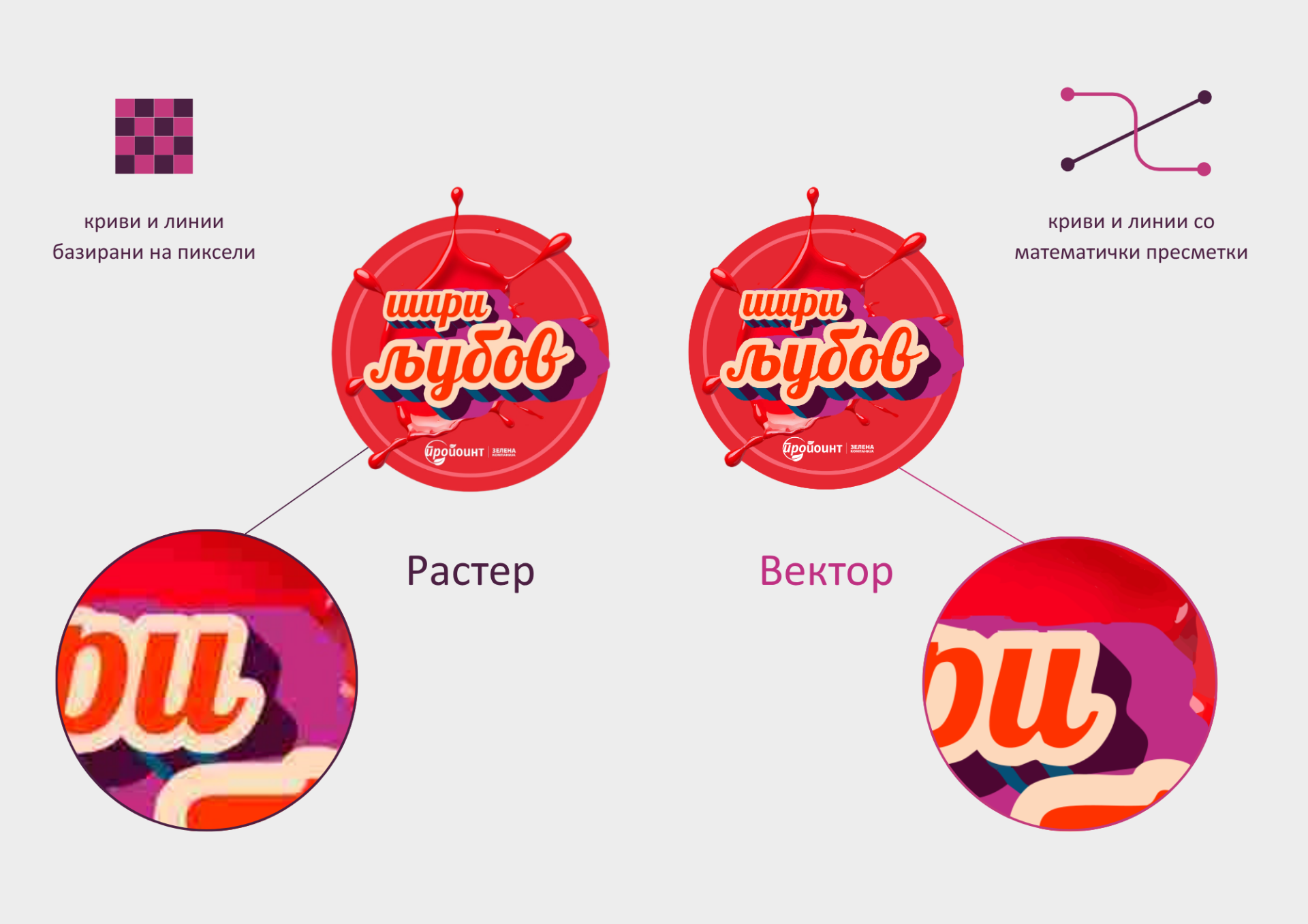
Raster graphics are made up of pixels (tiny dots of color) that together form an image. The more pixels an image has, the higher its resolution and quality.
Raster graphics are best suited for photographs and images with rich detail, shading, and color gradients.
However, when resized beyond their original dimensions, raster images lose quality and become blurry or pixelated. For printing, raster images must be prepared in high resolution, typically 300 DPI.
Common raster file formats:
JPG, PNG, TIF, PSD
What is Vector Graphics?
Vector graphics are composed of lines, curves, and shapes defined by mathematical formulas. This means they can be scaled infinitely without any loss of quality.
Vector graphics are ideal for logos, text, illustrations, and all types of print materials that require precision.
Common vector file formats:
AI, EPS, SVG, CDR
Resolution and Printing
On screens, images can appear sharp even at 72 or 96 DPI, but for high-quality printing, a much higher resolution is required — typically 300 DPI.
If a raster image is enlarged beyond its original resolution, the printed result will appear blurry and pixelated.
With vector graphics, this is not an issue, as they always print sharp and precise, regardless of size.
File Size
Raster files are generally larger because they contain a high amount of pixel data and detail. Vector files are usually smaller, as they store only mathematical information about shapes and lines.
Compatibility and Conversion
Raster files can be opened on almost any device or browser, while vector files typically require specialized software such as Adobe Illustrator or CorelDRAW.
Files can easily be converted from vector to raster, but the reverse process (from raster to vector) is not always precise and often requires manual work, which can result in loss of detail and quality.
It is also important to note that a single file can sometimes contain both raster and vector elements.
Why Is This Important for Printing?
Both raster and vector graphics are used in professional printing, depending on the content.
Vector graphics are ideal for logos, text, and illustrations, as they ensure precision and sharp lines at any size.
Photographs and images, on the other hand, are raster-based, and must be in high resolution to ensure quality printing.
For the best results, a combination of both raster and vector elements is often used.